Why We Don't Rely on Automatic Tools That Flag Hundreds of SEO Errors
If you have ever wondered what is a technical seo audit and why free tools flag hundreds of "errors" at once, you are not alone. Automated audit tools produce hundreds of undifferentiated warnings, while a proper technical seo audit for google rankings prioritises issues by impact and effort. Googlebot also crawls differently from most tool crawlers, and only Google Search Console shows the ground truth on indexing.
Manual Checks vs Automated Crawlers: What a Tool-Based Audit Misses
A crawler can only tell you what it sees, and what it sees is rarely what Googlebot sees. Googlebot renders JavaScript before indexing, so a site on Astro or a WordPress build with heavy plugins can serve the bot and your tool two very different pages. That gap alone explains many javascript rendering seo issues tools never spot.
Then there is crawl behaviour. Log file analysis seo work shows how crawl budget is actually spent, something a synthetic crawler cannot see at all. Most importantly, no tool knows what Google actually indexed; only the search console indexing report reveals that truth.
Finally, raw lists are useless: fixes compete for developer time, so priorities matter. Give our team read-only access to Search Console and analytics, and we close these blind spots, start with our free technical seo audit review.
How We Run Our Technical SEO Audit Checklist
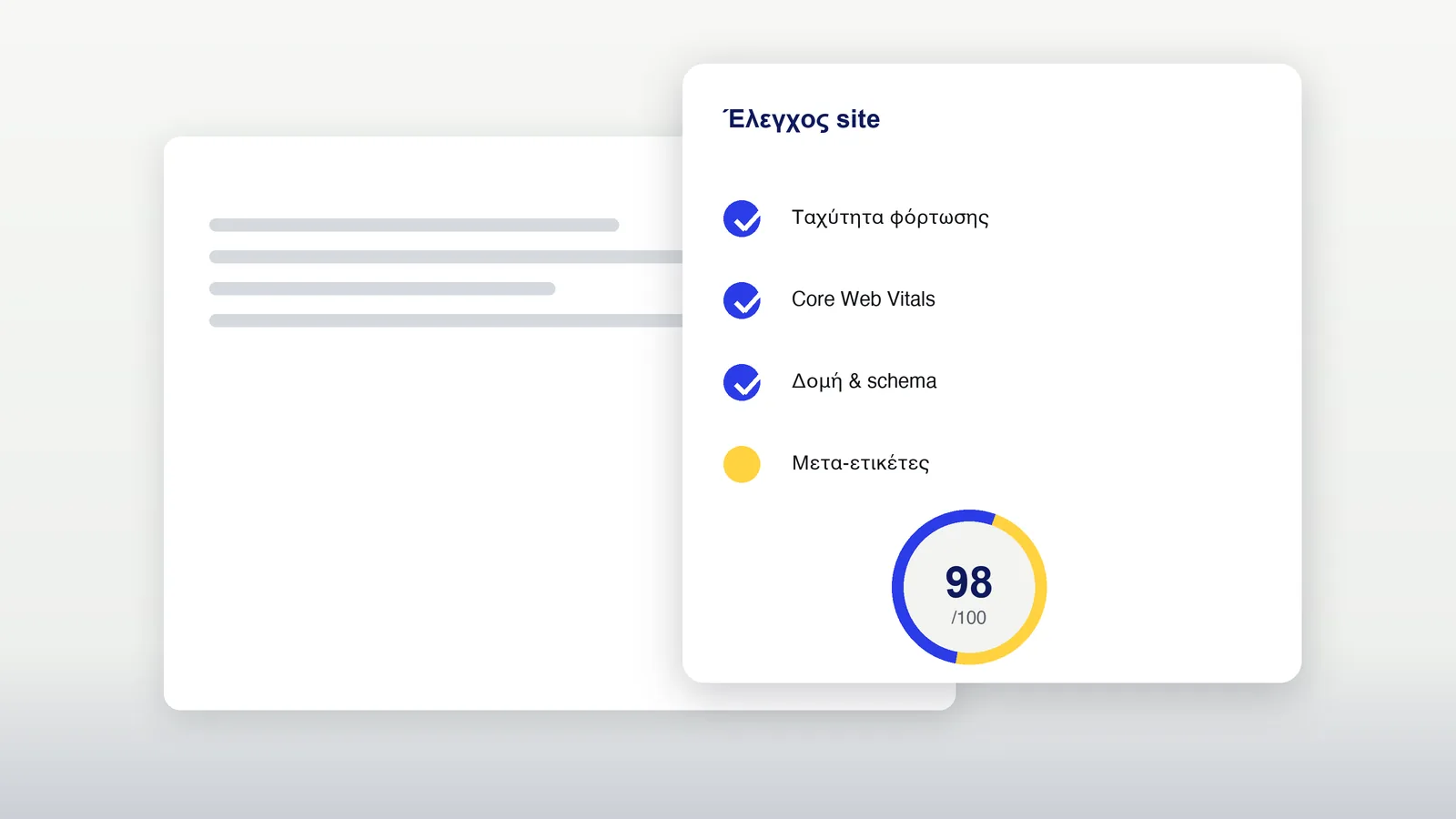
Our technical SEO audit checklist combines a full site crawl with Google Search Console data, so every finding is verified rather than guessed. It covers crawling, Core Web Vitals, duplicates, hreflang and structured data, plus migrations, the four blocks below show how we work.
How We Audit Crawling, Indexing and Site Architecture
The crawl tells us how your site is built; Search Console tells us what Google did with it. A full site crawl audit flags redirect chains, 404s, noindex on key templates and orphan pages lacking internal links, while the Coverage report confirms what Googlebot excluded. We cross-check XML sitemaps against URLs marked Excluded and review internal linking to key categories, because a crawler error without Search Console data misleads. Read-only Search Console and analytics access is all we need; nothing to install.
Checking Core Web Vitals and Page Speed Issues
Core Web Vitals are Google's measurement of how pages feel to real users, and reading them changes what we fix first. We read field data from CrUX, the real-user data Google uses as a ranking input, rather than lab measurements, which aid diagnosis. LCP tracks main content loading, INP responsiveness to input, CLS layout stability. Our core web vitals audit separates quick wins like image compression from structural fixes, each with expected effect and verification.
Finding Duplicate Content and Keyword Cannibalisation
Duplicates are rarely obvious, they hide in filters, parameters and templates you never asked to be created. Our keyword cannibalisation check finds pages competing for one query and splitting positions instead of one strong URL, while faceted navigation on UK ecommerce sites generates near-duplicates at scale. Every finding in the duplicate content audit gets a specific recommended fix: consolidation, a canonical tag or noindex. From there we move on to hreflang, structured data and migrations.
Auditing Hreflang, Structured Data and Site Migrations
Multilingual sites and migrations are where technical SEO mistakes get expensive, exactly the scope our technical SEO audit service covers. Hreflang annotations direct users and crawlers to the correct language version, structured data earns rich results, and a migration can quietly undo both overnight. We validate hreflang and schema errors in Search Console and review redirects, sitemaps and index coverage before, during and after replatforming. Considering a website migration? Talk to us before it starts.
What We Deliver: Your Technical SEO Audit Report and a Developer Call
You receive a written document and a prioritised task list, and then we talk it through with your developer on a call. Every task states the reason, the expected effect and how to verify the fix. One example: "Remove noindex on category pages, reason: they are excluded from Google, expected effect: the pages become eligible to rank, verify: URL Inspection in Search Console." We cover WordPress, WooCommerce, Shopify, Astro and custom builds, running analysis on our own SEO data platform. Enigma Media can implement the fixes as a separate job. Ask us for your audit report.
When Does Your Site Actually Need a Technical SEO Audit?
Most people order an audit for one of four reasons, if one sounds familiar, yours is probably due. Traffic dropped after a Google core update: the audit shows which weakness it exposed. You are planning a migration: we identify what must be preserved. You are investing in growth: we find what would hold it back. Or your tools keep flagging the same errors for weeks, drops usually surface first in Search Console. Ask for a free review.
Technical SEO Audit Price: What Affects the Cost
Audits start from €450 one-off, excl. VAT, no lock-in. Delivery takes one to three weeks. The final figure depends on the number of URLs, site size, language versions and platform complexity: a WordPress blog, a WooCommerce shop and an Astro build differ in scope, as does migration work. More URLs and hreflang setups mean more checking. It is a one-off fee, not a subscription. You get a firm figure before we start. Request a quote.
| Factor | Effect on scope |
|---|---|
| Number of URLs | Larger crawls take longer |
| Language versions | Each version is cross-checked |
| Platform | WordPress, WooCommerce, Shopify, Astro and custom builds differ in structure |
| Migration scope | Legacy redirects and mappings add work |